
Astro Bot on PC: official version and experiment
The official PS5 platform reference is separate from this experimental PC report.
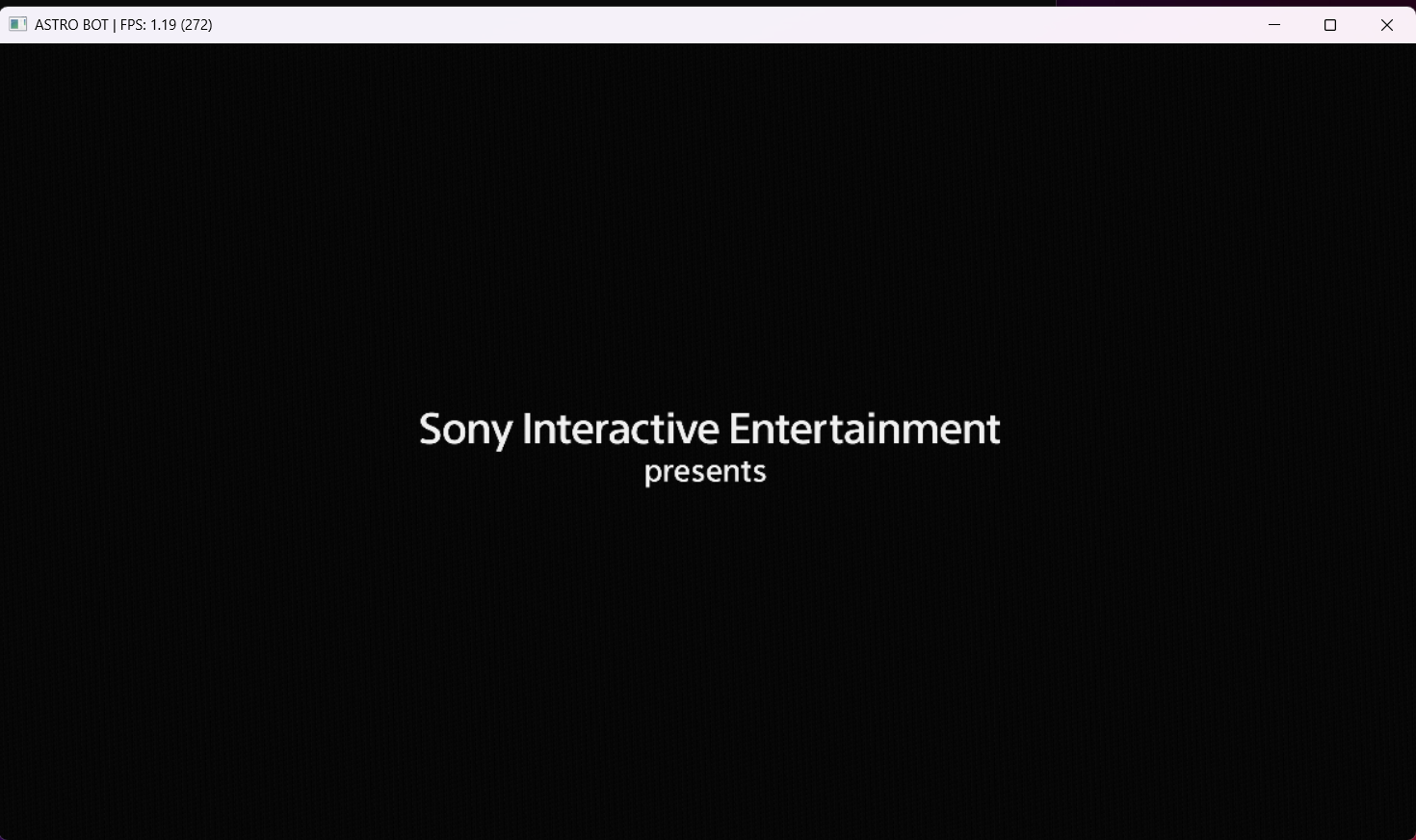
What is established for Astro Bot on PC? Windows and Linux branch reports reach gameplay, while an early Windows title-card capture represents a much earlier milestone. Build and scene remain essential.
Astro Bot on PC: compatibility evidence
Astro Bot’s official platform reference and the experimental PC path are different subjects. The selected Windows report uses title PPSA21567 v01.018.000 and the astrobot branch at 88d7bb62 plus #637; it is not the tagged release. Source ↗
The tester reports a roughly 45 FPS title screen, a 15 FPS intro and gameplay near 3 FPS, with Bluetooth DualSense input. An earlier RX 9060 XT image only shows an intro title card. Keep that image separate from the newer gameplay claim and do not infer a usable full game. Source ↗
Compare builds and reported hardware
| Hardware / platform | Build / reported result | Evidence |
|---|---|---|
| PPSA21567 Ryzen 9 5900X RTX 4070 Ti SUPER 32 GB RAM · Windows | astrobot 88d7bb62 + #637; reported opt-in environment flags Gameplay reported Title screen, intro and gameplay reported; gameplay around 3 FPS on the recorded stack. Experimental / integration · Test date unknown | Details ↓ Report ↗ |
Test reports
Astro Bot on PC · Windows · Experimental / integration
Gameplay reportedTitle screen, intro and gameplay reported; gameplay around 3 FPS on the recorded stack.
- Title ID
- PPSA21567
- Test date
- Unknown — not stated in source
- Post date
- 2026-10-09
- System
- Windows 11 Pro · NVIDIA 610.62
- Tested build
- astrobot 88d7bb62 + #637; reported opt-in environment flags
- Reported CPU
- Ryzen 9 5900X
- Reported GPU
- RTX 4070 Ti SUPER
- Reported RAM
- 32 GB
- Evidence
- exiled96 ↗
PPSA21567 v01.018.000. Audio changes when gameplay begins; only selected scenes. Screenshot on this page is an earlier title-card record, not proof of this run.
Known limitations
- PPSA21567 v01.018.000. Audio changes when gameplay begins; only selected scenes. Screenshot on this page is an earlier title-card record, not proof of this run. Evidence ↗
Reported milestones
Title screen, intro and gameplay reported; gameplay around 3 FPS on the recorded stack.
Source ↗
Common questions
Does this result apply to every build?
No. The source records apply to their named platform, revision and patches. A higher stage on a contributor branch is not a result for every release.
Is this a full-game completion report?
No complete playthrough is established by these selected records. Read the specific scenes, test duration and limitations before extending the result.
Astro Bot on PC: is this a complete playthrough?
The selected reports establish only their recorded scenes and stopping points. None of these entries establishes full-game completion. Read the original report before extending its scope.
Astro Bot on PC: are these minimum requirements?
No. The hardware belongs to a particular reported build and test. It is not a minimum specification, a recommendation for the official PC edition or a prediction for another machine.
Astro Bot on PC: which game edition is tested?
Astro Bot reports here concern the PS5 edition identified by each title ID. Results from another console generation or the official PC edition must be kept separate.
Has Port Record reproduced this test?
No. These are reviewed community reports. Follow the original source for its complete environment; our review date is not a test date.
Astro Bot on PC: prepare the same build
Use the title’s build and patches as your reference. These tools prepare input and compare records; they do not reproduce a test.
Relinker command builder ↗
Choose a platform, check module folders and generate a quoted v0.1.2 command.
ELF header checker ↗
Read the first 64 bytes of a local file. Inspect the format before conversion.
Compare my PC ↗
Find hardware components in sourced reports. See the exact build and limitations.
To investigate Astro Bot on PC, start from the source attached to the exact platform and build record. Preserve the local patches, game version and observed scene before comparing a new result. A source update can change the context after this review.